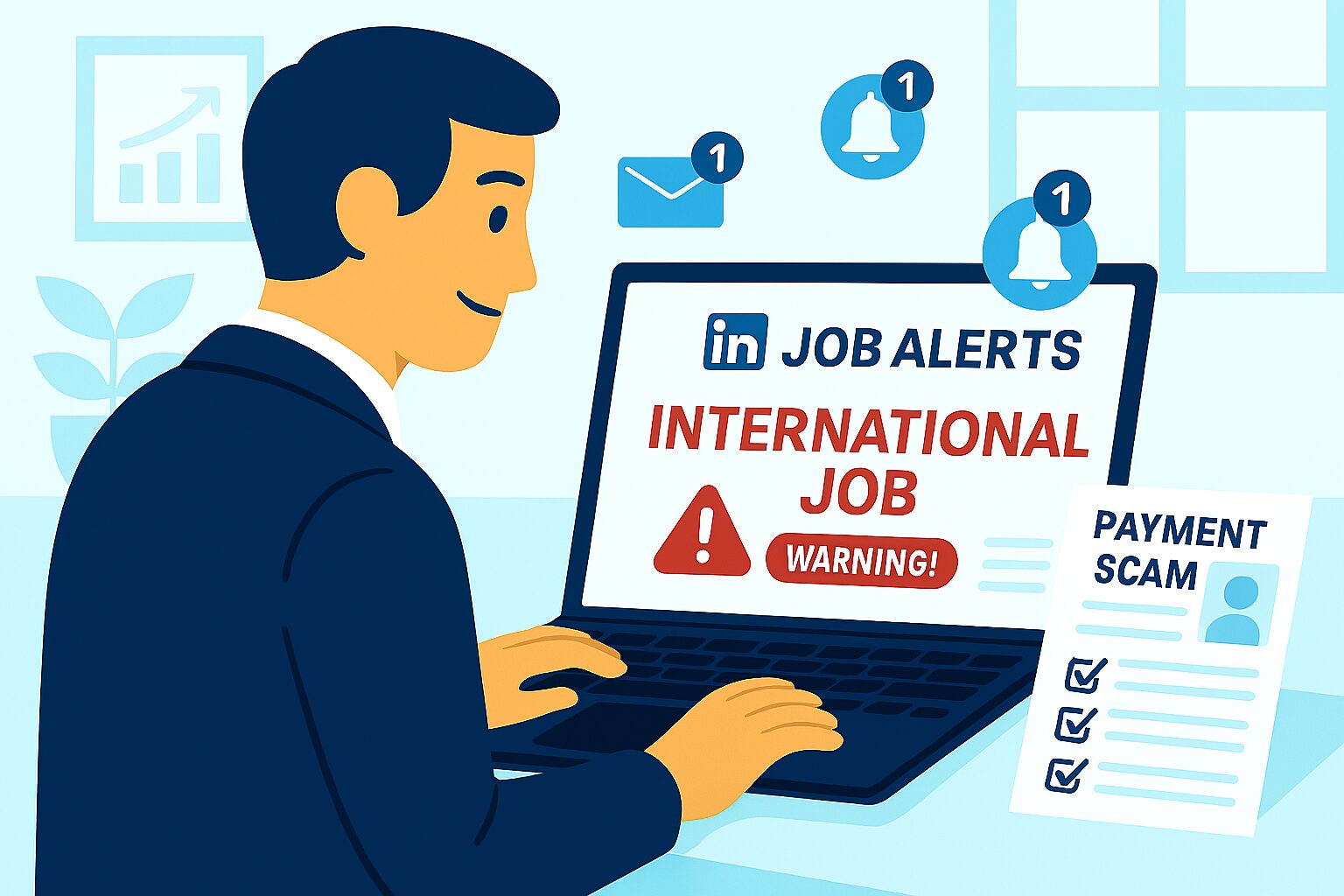
LinkedIn is one of the most powerful platforms for job seekers. Using LinkedIn job alerts correctly can give you a strong advantage by helping you apply early and stay ahead of other candidates.
This guide explains how to use the LinkedIn job alert feature effectively in 2025.
1. Create a Strong LinkedIn Profile First
Before setting job alerts, optimize your profile:
- Professional profile photo
- Clear headline
- Updated skills
- Experience details
Recruiters check profiles before considering candidates.
2. Set Up Job Alerts Smartly
Use targeted job alerts by choosing:
- Job title
- Location
- Experience level
- Industry
Avoid setting too many alerts as it can confuse you.
3. Turn On Mobile Notifications
Enable mobile alerts so you can:
- Apply quickly
- Be among first applicants
- Respond to recruiters faster
Fast responses increase your chances.
4. Apply Within the First 24 Hours
Most recruiters review applications early. Try to apply the same day you receive the alert.
5. Customize Each Application
Avoid sending the same resume everywhere. Adjust your resume and cover letter according to the job post.
6. Follow Companies and Recruiters
Follow:
- Company LinkedIn pages
- HR managers
- Recruiters
This gives inside insight and more job updates.
7. Track Your Applications
Keep a record of:
- Jobs applied
- Dates
- Responses
This improves your job search planning.
Conclusion
Using LinkedIn job alerts effectively can speed up your hiring process and give you early access to opportunities. When used properly, it becomes a powerful tool for career growth.
For daily verified job updates, visit myjobsadvisor.com.