
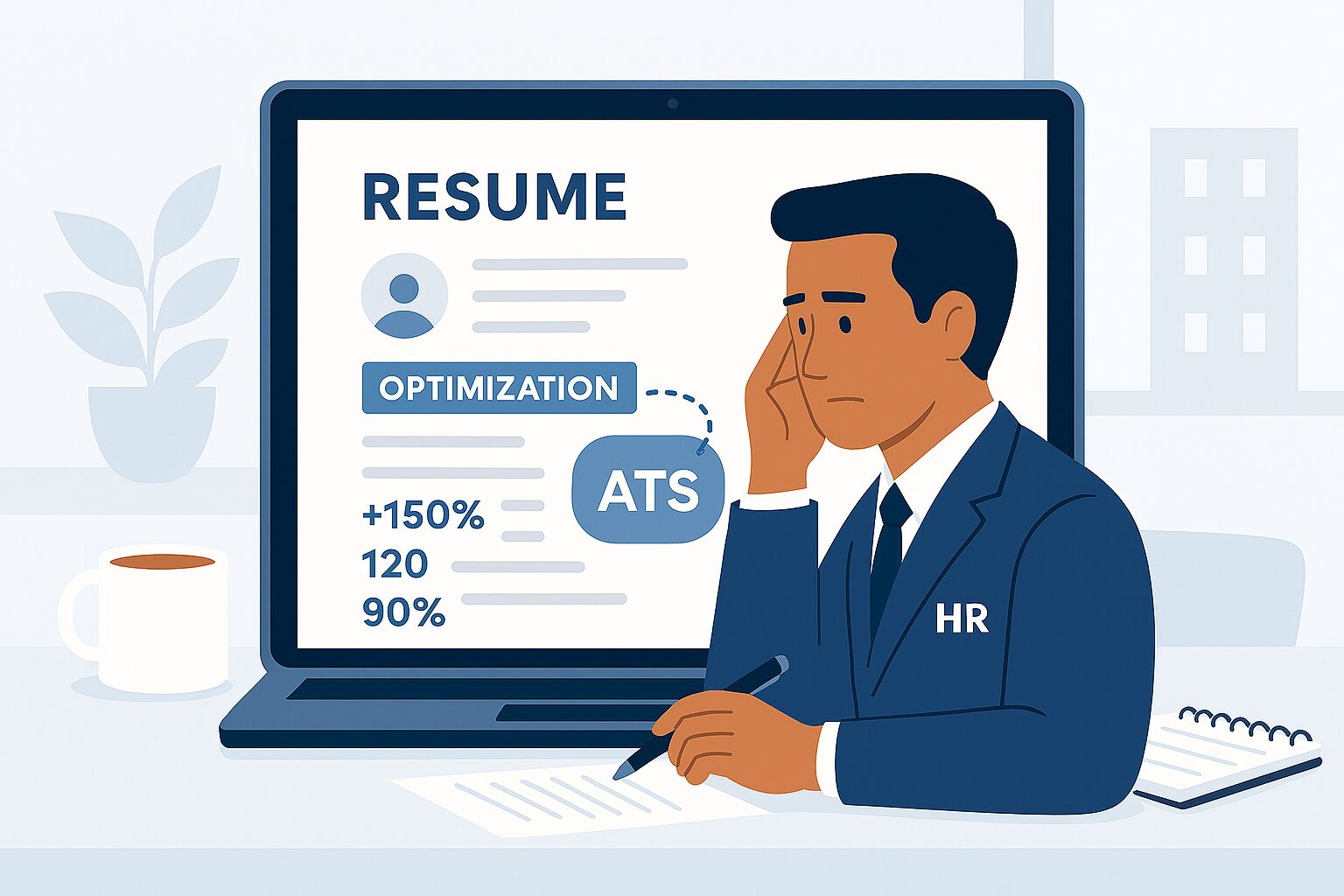
Online job applications are now the standard hiring method. Optimizing your resume for online applications improves its visibility, helps it pass Applicant Tracking Systems (ATS), and increases your chances of being shortlisted.
1. Use ATS-Friendly Resume Format
- Avoid tables, graphics, and text boxes
- Use simple headings such as Experience, Skills, Education
- Stick to clean fonts like Arial or Calibri
2. Add Relevant Keywords
Review job descriptions carefully and include:
- Skills
- Job titles
- Industry-specific terms
This makes your resume searchable by hiring systems.
3. Choose the Right File Format
Upload your resume in:
- PDF (preferred)
- DOCX (if required by the employer)
Always name your file professionally.
4. Keep Your Resume Scannable
- Use bullet points instead of long paragraphs
- Keep sentences short and clear
- Highlight achievements using measurable results
5. Optimize Contact Information
Ensure your resume includes:
- Professional email address
- Updated phone number
- LinkedIn profile (if available)
Avoid unprofessional usernames.
6. Customize Resume for Each Job
Avoid sending the same resume everywhere. Adjust keywords and skills according to each job posting to increase compatibility.
7. Avoid Spelling and Formatting Errors
- Proofread carefully
- Use consistent spacing and alignment
- Ensure all headings are uniform
8. Test Your Resume Online
Use online ATS checking tools to test:
- Readability
- Keyword matching
- Formatting compatibility
Conclusion
Learning how to optimize your resume for online applications helps you stand out in competitive job markets. A well-optimized resume improves your visibility and makes it easier for recruiters to shortlist your profile.
For trusted job updates and career guidance, visit myjobsadvisor.com.