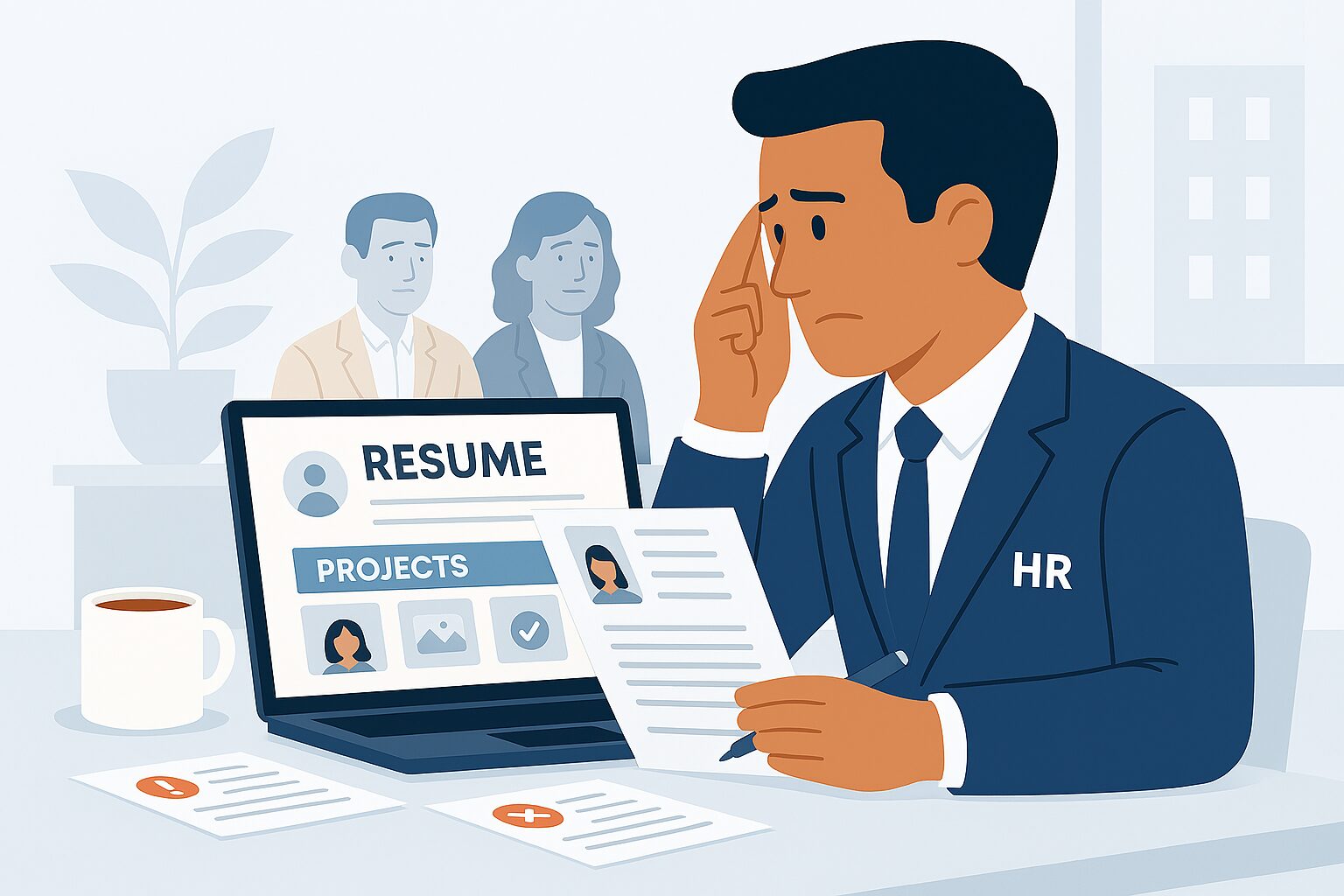
A CV (Curriculum Vitae) is often longer and more detailed, while a professional resume is concise, focused, and tailored to specific job applications. Converting your CV into a resume helps you target roles effectively and improve hiring chances.
1. Understand the Difference
- CV: Detailed account of your career, including all experiences, education, publications
- Resume: Concise, 1–2 pages, highlights skills and achievements relevant to the job
- Conversion focuses on relevance, brevity, and clarity
2. Select Relevant Information
- Remove outdated or unrelated experiences
- Highlight skills, achievements, and projects aligned with the job
- Keep content focused and targeted
3. Use a Modern Resume Format
- Chronological, functional, or combination format based on your background
- Prioritize readability and clean design
- Ensure headings, bullet points, and spacing are consistent
4. Highlight Achievements
- Focus on results, not just responsibilities
- Quantify achievements when possible
- Example: “Increased social media engagement by 40% in 3 months”
5. Add Keywords for ATS
- Include keywords from job descriptions
- Helps your resume pass Applicant Tracking Systems (ATS)
- Ensure skills, tools, and industry terms are included naturally
6. Include Contact Info & Professional Summary
- Add name, phone, email, LinkedIn (optional)
- Write a 2–3 line professional summary highlighting expertise and career goals
7. Keep It Concise
- Limit to 1–2 pages
- Remove excessive details, hobbies, or long descriptions
- Focus on what will make an impact for recruiters
Conclusion
Converting your CV into a professional resume helps you target jobs efficiently and showcase your skills and achievements. A well-structured, concise, and results-driven resume increases your chances of standing out to recruiters.
For verified job postings and career tips, visit myjobsadvisor.com.