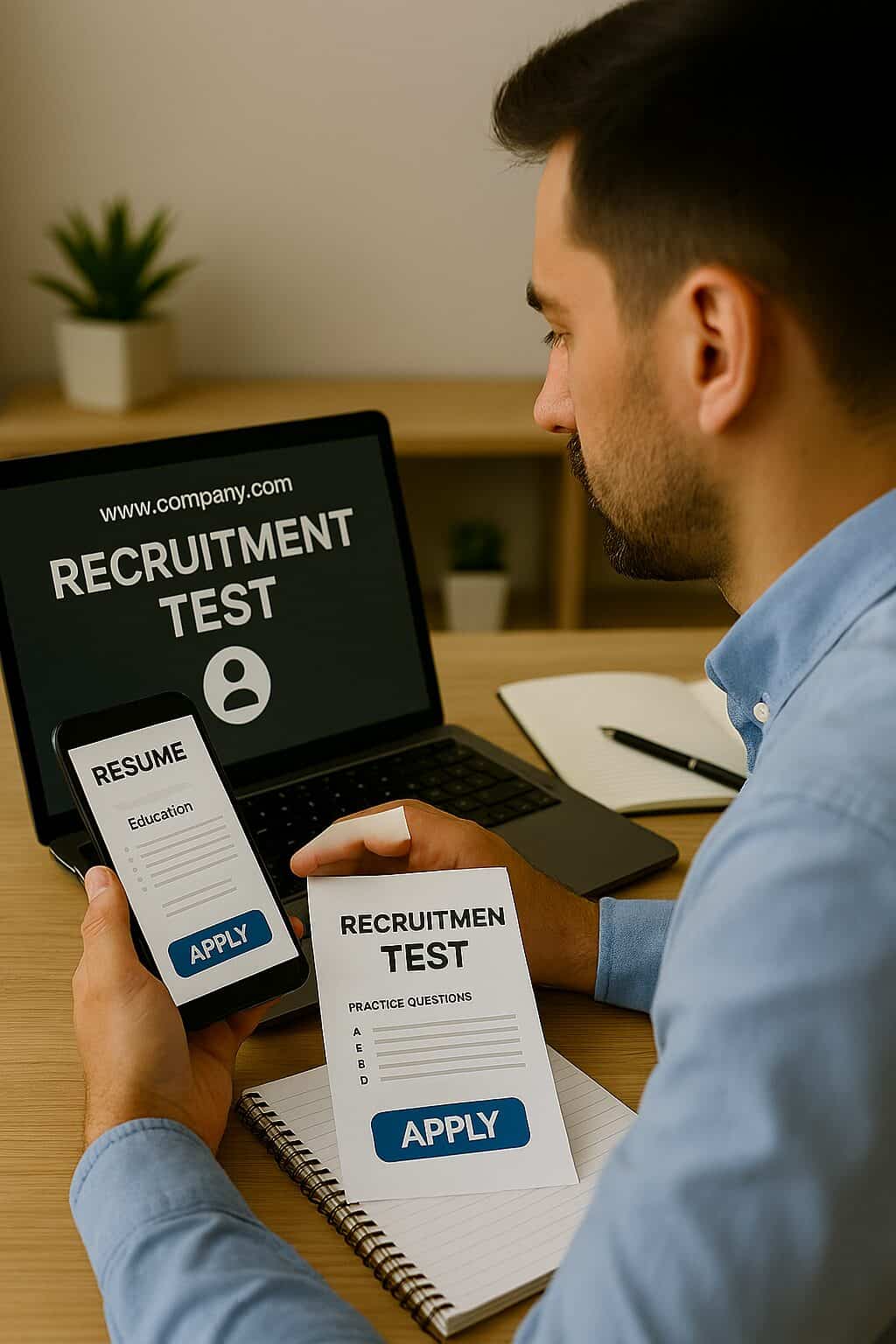
Not having a laptop should never stop you from applying for jobs. Today, many employers and job platforms allow candidates to apply directly using smartphones. With the right tools and approach, you can submit professional job applications even without a laptop.
Below is a complete guide on how to apply for jobs effectively using only a mobile phone.
1. Use a Smartphone-Friendly Email Account
Email is essential for job applications.
Best practices:
- Create a professional Gmail address
- Use your real name
- Enable notifications so you don’t miss responses
Example: [email protected]
2. Create and Store Your CV on Mobile
You can easily create and edit your resume on a phone.
Use:
- Google Docs
- Microsoft Word Mobile
- WPS Office
Save your CV as PDF to maintain formatting.
3. Scan Documents Using Mobile Apps
If you need certificates or ID scans:
Recommended apps:
- Microsoft Lens
- Adobe Scan
- CamScanner
Tips:
- Scan clearly
- Crop edges properly
- Save as PDF
- Keep file size under limits
4. Apply Through Job Portals That Support Mobile
Many job websites are mobile-optimized.
You can apply using:
- LinkedIn Jobs
- Indeed
- Glassdoor
- Company official career pages
Always check that the site opens properly on mobile before uploading documents.
5. Use Cloud Storage for Easy Access
Store your documents online so you can upload them anytime.
Best options:
- Google Drive
- OneDrive
- Dropbox
This prevents file loss and saves phone storage.
6. Write Short, Professional Cover Messages
Some job portals ask for short messages instead of full cover letters.
Keep it simple:
- Introduce yourself
- Mention the position
- Highlight 1–2 key skills
- Express interest politely
Avoid long paragraphs on mobile.
7. Check File Size and Format Carefully
Mobile uploads often fail due to large files.
Best practices:
- Resume under 500 KB
- Certificates under 1 MB
- Use PDF format
- Avoid password-protected files
8. Use Internet Cafes or Public Computers If Needed
For complex applications:
- Use an internet café
- Borrow a computer from a trusted source
- Log out properly after use
This is useful for long forms or assessments.
Conclusion
Applying for jobs without a laptop is completely possible in today’s digital world. With a smartphone, proper apps, and smart preparation, you can apply professionally and compete successfully in the job market.
For more career guidance and verified job opportunities, visit myjobsadvisor.com.