Sometimes, you may try to apply for a job but the company website does not load. This can happen due to server issues, maintenance, or security problems. Knowing the right steps ensures you don’t miss deadlines and avoid scams.
1. Check Your Internet Connection
- Ensure your internet is working properly
- Try accessing other websites to confirm connectivity
2. Try Different Browsers or Devices
- Sometimes websites may not open due to browser compatibility issues
- Use Chrome, Firefox, or Edge, or try a mobile device
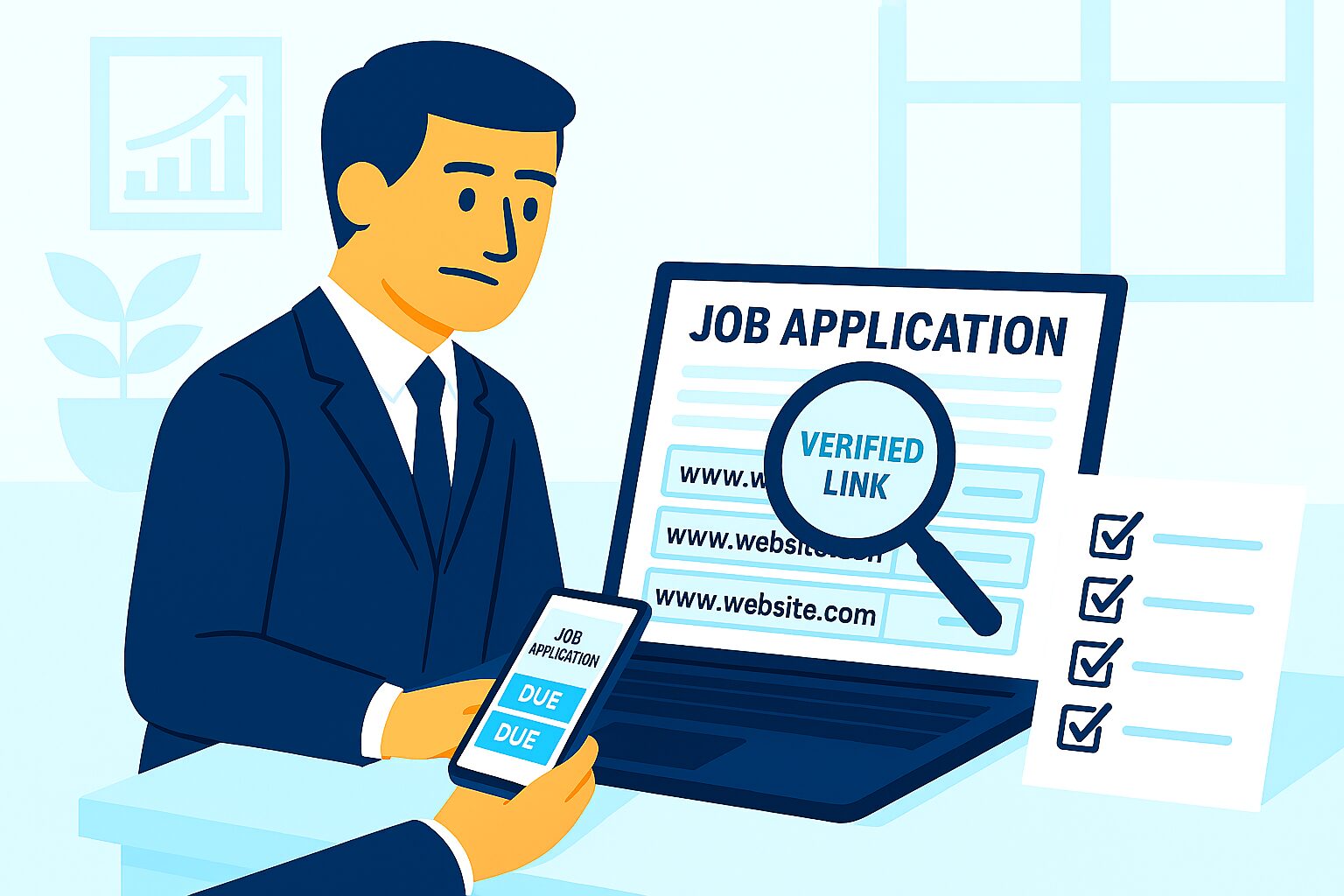
3. Verify the URL
- Double-check the website address for spelling errors
- Ensure you are using the official domain (e.g., companyname.com)
4. Look for Alternative Access
- Some companies post jobs on LinkedIn or trusted job portals
- Check for official career pages on social media accounts
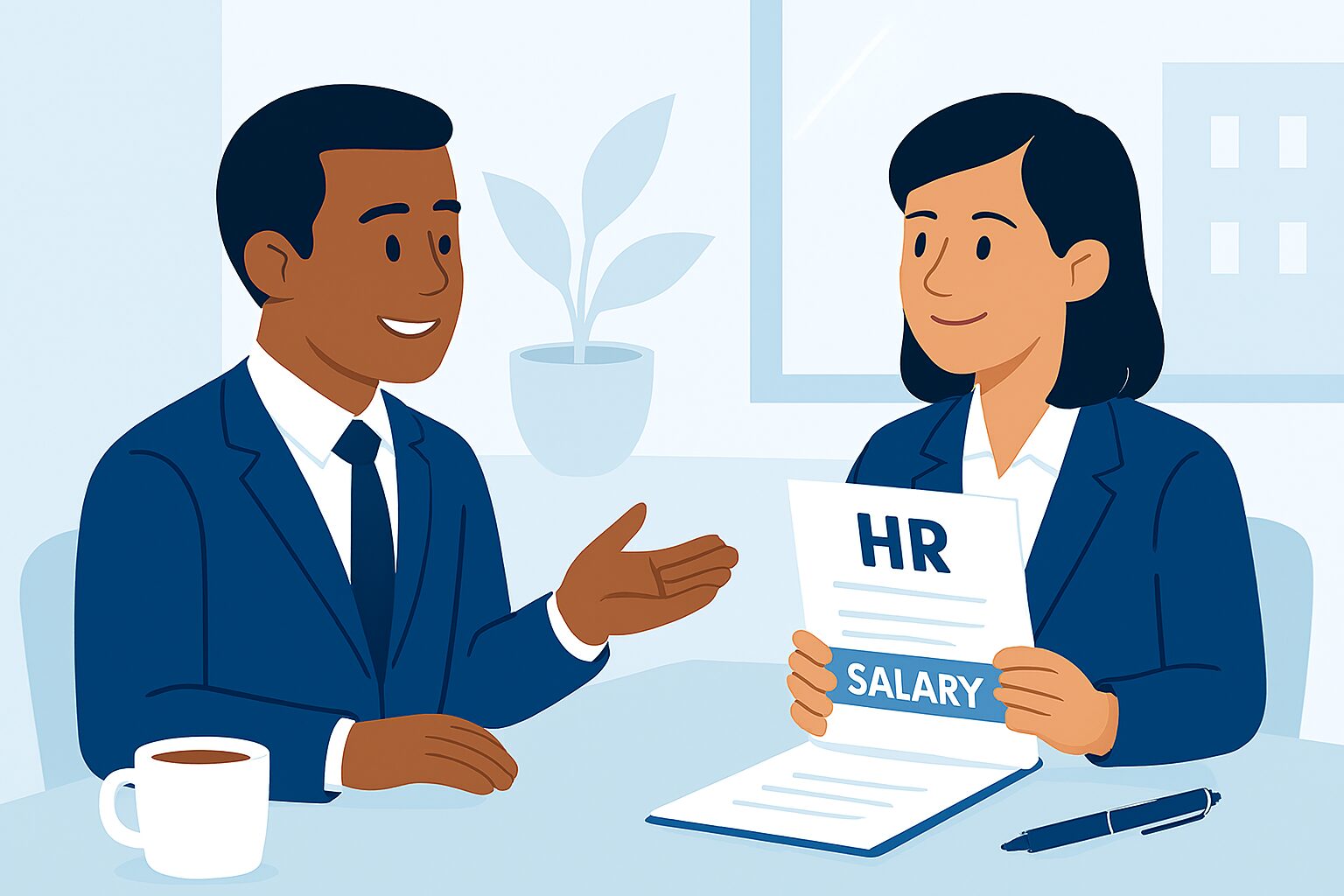
5. Contact the Company Directly
- Reach out via official HR email or phone number
- Ask for alternative ways to submit your application
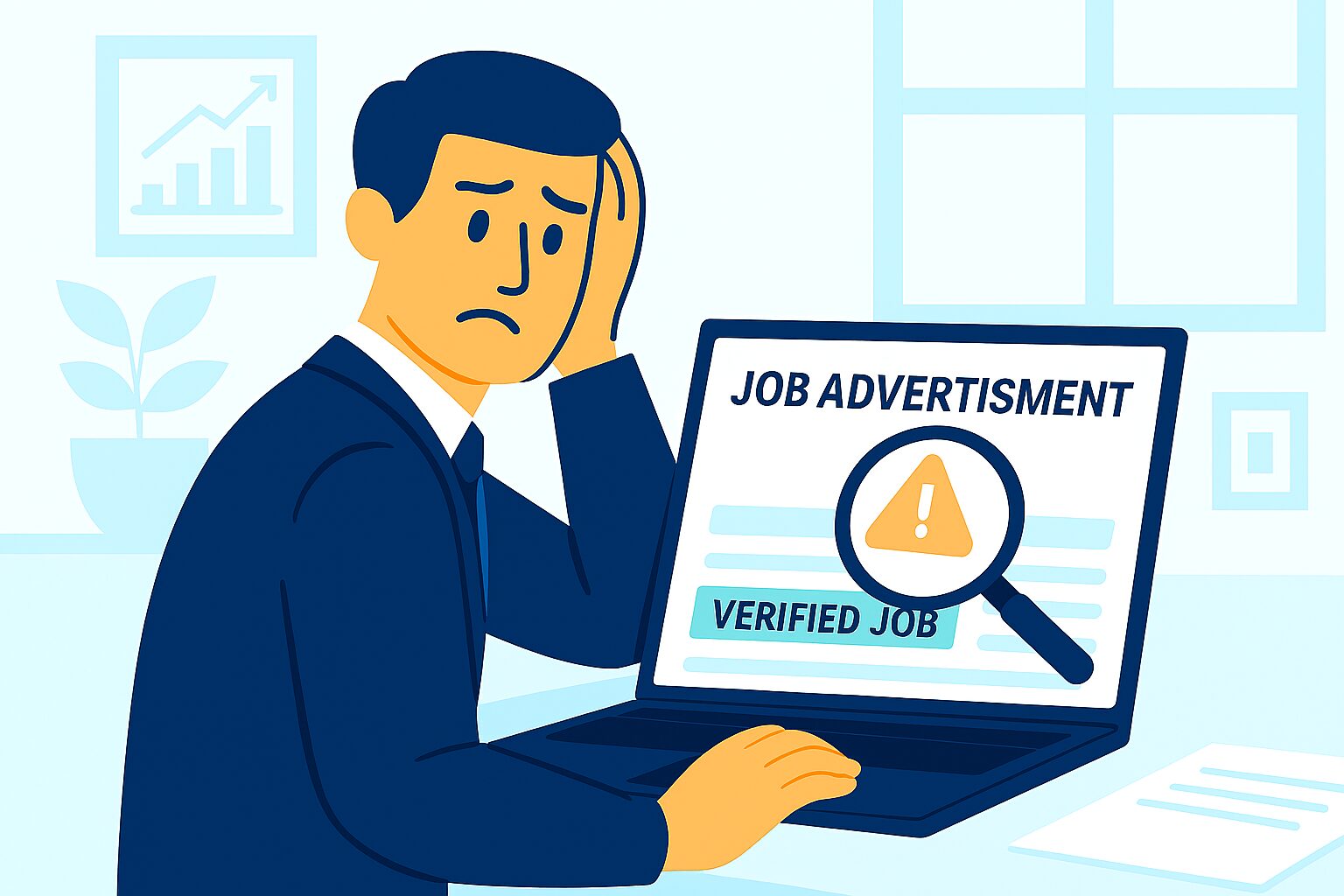
6. Be Cautious of Scams
- Do not click on suspicious third-party links
- Avoid downloading files from unverified sources
Conclusion
If a company website is not opening, remain calm and follow safe methods to access job portals. Verify the website, check alternative official sources, and contact the HR team directly. This ensures your application is submitted securely and on time.
For verified job listings and safe application guidance, visit myjobsadvisor.com.